Chalk Tool Performance: Moving from Full-Screen Passes to Scissor Rectangles
 Gaoge Zhang
Lulucat Notes' chalk tool slowed down in dense handwriting areas. The bottleneck was not the 3,571 input samples but 70 full-screen scratch passes per frame. A rejected low-resolution cache and a per-stroke scissor rectangle tell the rest of the story.
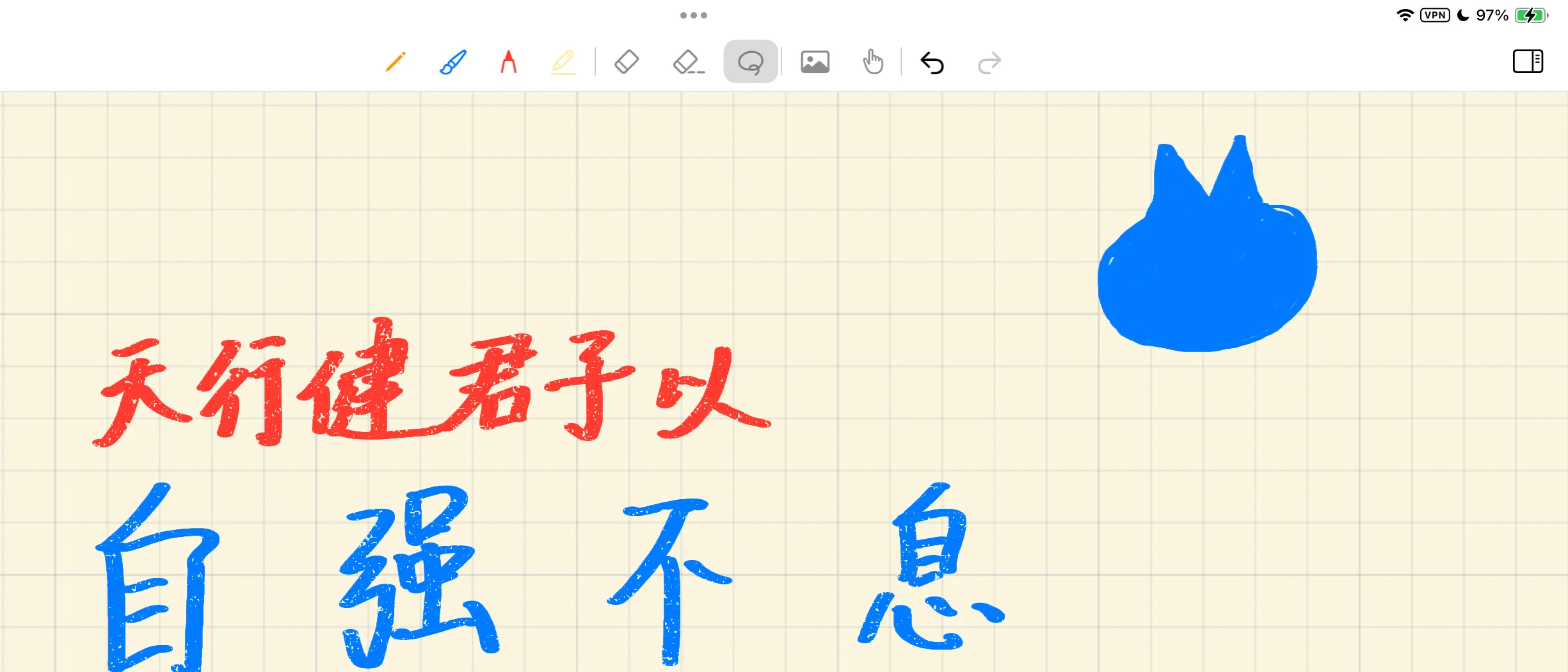
Red and blue chalk on the device test build, 155 strokes at 255% zoom.
The chalk tool in Lulucat Notes hit a particular performance problem: writing on a blank area felt smooth, but moving into an area already filled with chalk strokes made the pen tip fall behind. Continuing to write there gradually slowed canvas panning as well.
One page of ordinary handwriting was enough to trigger it: 300% zoom, 70 visible chalk strokes in the local area, and 3,571 input sample points in total. Blank areas stayed fluid; only the area where the strokes were concentrated became slow.
After the fix, the same page can keep receiving new writing at 255% zoom, while existing strokes retain their full clarity during both pen-down and panning.
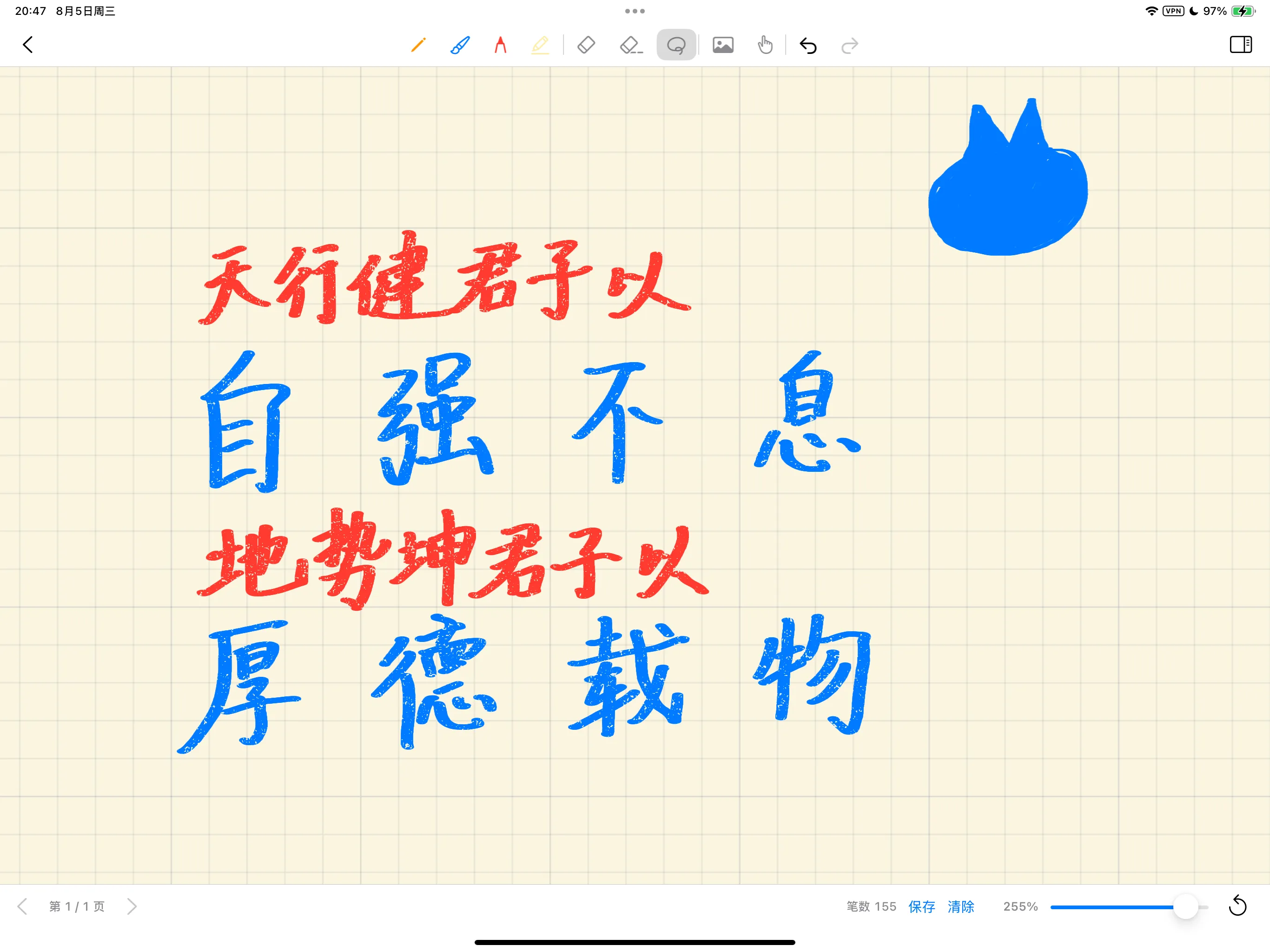
The device test screenshot, 155 strokes in total. At this zoom level, the clarity of existing strokes does not temporarily switch during pen-down or panning.
Why chalk needs a scratch texture
An ordinary pen can composite each circular stamp straight onto the ink texture with source-over blending. Chalk adds a grain-gating layer: the renderer first accumulates body coverage and depth for a complete stroke, then uses a fixed grain texture to decide which positions receive chalk dust, and finally composites the result onto the existing ink.
This scratch texture isolates one chalk stroke. Isolation matters because stamps within the same stroke overlap heavily; if every stamp were grain-gated on its own, the stroke centreline would accumulate repeated colour and the chalk pores would move with sampling density.
At high zoom levels, Lulucat Notes redraws the vector strokes visible in the current viewport. The old implementation performed these steps for each visible chalk stroke:
- End the main render encoder;
- Clear the scratch texture;
- Draw this chalk stroke into the scratch;
- Reopen the main render encoder;
- Composite the scratch back to the drawable with a full-screen triangle.
The semantics of one stroke were correct, but the amount of work was much larger. The iPad’s drawable was 2732×2048 — roughly 5.6 million pixels. Every chalk stroke triggered one scratch pass and one full-screen composite. 70 chalk strokes meant approximately 141 render encoders and 70 full-screen composites.
Let
Each chalk stroke also carried a fixed render-pass overhead, so that cost grew linearly with
We measured on a 12.9-inch iPad Pro (5th generation, M1) running iPadOS 18.6.2. We compared GPU timestamps from the same viewport before and after the change, using command-buffer timestamps in the same Debug device build on this particular iPad — referred to below as LucasPad. The ranges below are typical fluctuations from multi-frame logs, not frame-rate commitments for a build intended for distribution. At 70 visible chalk strokes, a single frame typically required 52–60 ms of GPU time; in an area with roughly 120 strokes, GPU time rose to 77–80 ms.
Estimating from the full-screen rectangle area of the scratch and composite passes, the theoretical work scope per frame grew from approximately 783 million pixels to 1.34 billion pixels. This is the sum of rectangle areas, not an equivalent of fragment invocation counts, video-memory read/write bytes, or GPU hardware counters. Metal’s fast clear, attachment load/store, and pass switching remain under GPU and driver control.
That also explains why blank areas stayed smooth. Visibility culling skips strokes outside the viewport;
A wrong answer at 0.85 ms
The app already had a full-page ink texture baked at two pixels per point. We tried displaying it directly during writing, panning, and zooming, keeping only the current Apple Pencil stroke as live vector; once the interaction ended, one extra frame would re-render the high-resolution vector result.
This approach performed extremely well. In the same dense area at 300% zoom, GPU time fell to 0.84–0.85 ms and no longer grew with the number of existing chalk strokes.
The problem on the actual device was just as clear. At 300% zoom, roughly six screen pixels per point were needed, but the cache supplied only two. The moment the Apple Pencil touched down, all existing strokes became a soft, low-resolution image; lifting the Pencil snapped them back to full clarity.
The tester said one thing: “When I’m writing, the whole canvas goes blurry. It clears up once I let go.”
We removed the optimisation. 0.85 ms was the lowest measured result, but it was not an acceptable chalk tool. Existing strokes are part of the writing feedback; their clarity cannot change at pen-down.
Limiting each chalk stroke to its own rectangle
The implemented fix kept per-stroke scratch and per-stroke compositing, reducing only their pixel work scope. Each stroke already had a canvas bounding box derived from the union of all its stamp radii. The renderer transforms that bounding box into the current viewport’s drawable coordinates and pads it by two pixels for an antialiasing margin:
The same scissor rectangle is then used to clear the scratch, draw the stroke, and composite the result back to the main surface.
let rect = displayScissorRect(for: stroke.bounds, viewport: viewport)

scratchEncoder.setScissorRect(rect)
clearScratchExplicitly()
drawStrokeIntoScratch(stroke)

mainEncoder.setScissorRect(rect)
compositeChalkFromScratch(stroke)
mainEncoder.setScissorRect(fullDrawable)
The same logic is used for baking and partial replay on the 4096² ink texture, so the high-zoom display and the settled ink layer do not produce two different chalk behaviours.
Two details are easy to miss.
First, a render pass’s loadAction = .clear happens during the attachment load stage and is not constrained by the rasterisation scissor. Continuing to use it would still clear the entire scratch texture. The fixed pass uses .dontCare, then draws a clear_fragment within the scissor. That rectangle is subsequently written in full, and the composite reads only the same rectangle, so old attachment contents do not need to be loaded.
Second, after each chalk stroke’s composite finishes, the outer scissor must be restored. If this line of state restoration is omitted, subsequent pens, images, or selections will remain clipped by the previous chalk stroke’s bounds, appearing as missing strokes or missing images.
Chalk grain still samples from absolute canvas coordinates rather than local UVs inside the rectangle. Moving the scissor changes only which pixels the GPU processes; it does not change which grain-texture location each pixel reads. Adjacent rectangles therefore produce no texture seams, and dragging the canvas does not make the grain drift.
Considering only pixel workload, the new work scope is close to
where
Why same-colour chalk strokes were not batched
Most chalk strokes on the page share the same colour and density, and it is tempting to draw dozens of strokes into the scratch at once and composite only once. That would reduce render passes further, but it would change the colour and grain semantics in overlapping areas.
Consider a deliberately simplified case: two strokes share the same grain-gate value
while merging the bodies first and then applying a single gate produces
The difference is
Exact batching requires proving that the stroke pixels are mutually disjoint, or allocating an independent atlas region for each stroke and compositing in the original order. Device acceptance testing retained the scissor approach, so this round did not introduce an atlas or its management complexity.
From a billion pixels back to a few million
The device test measurements were:
| Scenario | Before fix | Precise scissor |
|---|---|---|
| 70 visible chalk strokes, 300% zoom, writing | GPU 52–60 ms | ≈ 9–10 ms |
| ≈ 121 visible chalk strokes, 300% zoom | GPU 77–80 ms | 13.7–15.6 ms |
| Theoretical rectangle scope per frame (scratch + composite) | 783 M–1.34 B pixels | ≈ 1.7 M–3 M pixels |
We also checked the clipping bounds with 3,452 strokes and 202,710 sample points from a device document. At 0.5×, 1×, 2×, 3×, 5×, and 8× zoom, 186,408 viewport cases were generated; every point sprite that could produce non-zero coverage fell within the computed scissor. The check covered canvas edges, viewport edges, and various offset combinations.
The selected implementation does not switch to a low-resolution LOD based on interaction state. Low zoom levels still show the full-page ink texture; high zoom levels still redraw visible strokes as vectors. On the same side of the threshold, pen-down and panning do not replace existing strokes with a different level of clarity. During high-zoom vector redraw, each chalk stroke’s scratch clear and composite cover only its own screen bounding box.
GPU time did not capture clarity
GPU performance problems do not necessarily scale with the most visible quantity in a data structure. Here, 3,571 input points were an easy suspect; frame time was determined by the full-screen work triggered by each of the 70 chalk strokes, together with render-pass switching.
Visual semantics also constrained the available optimisations. Per-stroke scratch, the original compositing order, and absolute canvas grain coordinates could not simply be removed. Same colour and same density only mean the parameters match — they do not prove that overlapping results can be merged.
Real-device feedback rejected the version with the lowest GPU time. The remark “the whole canvas goes blurry” supplied the product constraint that measurement alone had not expressed: when the Apple Pencil touches down, users are also watching the existing strokes.
The selected implementation introduces no new interaction cache layer and does not reduce clarity. High-zoom vector redraw simply limits each chalk stroke’s work to its own screen bounding box. After it was loaded onto LucasPad again, the feedback was: “Looks excellent.”